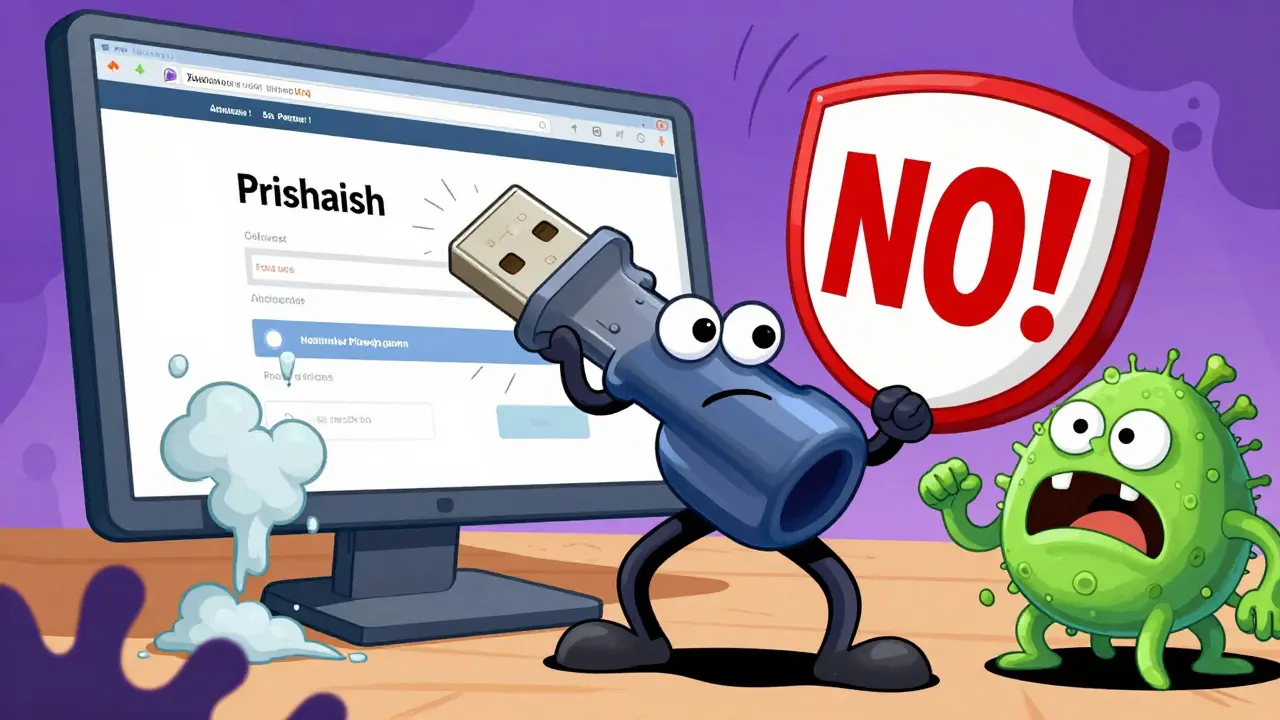
When it comes to securing your crypto wallets, exchange accounts, or blockchain identities, hardware 2FA keys and software authenticators are the two most common ways to add a second layer of protection. But which one actually keeps you safer? It’s not just about convenience - it’s about whether your funds can be stolen while you sleep.
Let’s cut through the noise. If you’re using SMS codes for two-factor authentication, you’re already at risk. SIM swapping attacks are real, and they’ve drained wallets. Both hardware keys and software authenticators are huge upgrades - but they’re not equal in security.
How Hardware 2FA Keys Work (And Why They’re Nearly Unhackable)
Hardware 2FA keys, like YubiKey or Feitian, are small USB or NFC devices that talk directly to your browser or phone using something called WebAuthn a modern authentication standard that uses public-key cryptography to verify identity without passwords. When you set up a key with a service like Coinbase or Ledger, it generates a unique cryptographic key pair. The private key? It never leaves the device. Ever.
That’s the game-changer. No matter how clever a phishing site is, it can’t trick your hardware key into authenticating on a fake domain. The key checks the website’s real URL before responding. If you’re on a fake login page, the key just says no. It’s built into the hardware. No software updates. No app permissions. No remote access.
And because you have to physically touch the key - tap it, plug it in, or wave it near your phone - an attacker can’t steal your login from across the world. Even if malware infects your computer, it can’t generate a valid response without the physical device. This makes hardware keys the gold standard for high-value accounts. Bitcoin traders, exchange admins, and DeFi power users rely on them because they’ve seen what happens when software gets compromised.
How Software Authenticators Work (And Where They Fall Short)
Software authenticators - like Google Authenticator, Microsoft Authenticator, or Authy - generate six-digit codes that change every 30 seconds. They use something called TOTP Time-Based One-Time Password, a symmetric cryptography system that relies on a shared secret between your device and the service. You scan a QR code during setup, and from then on, your phone calculates the code using that secret and the current time.
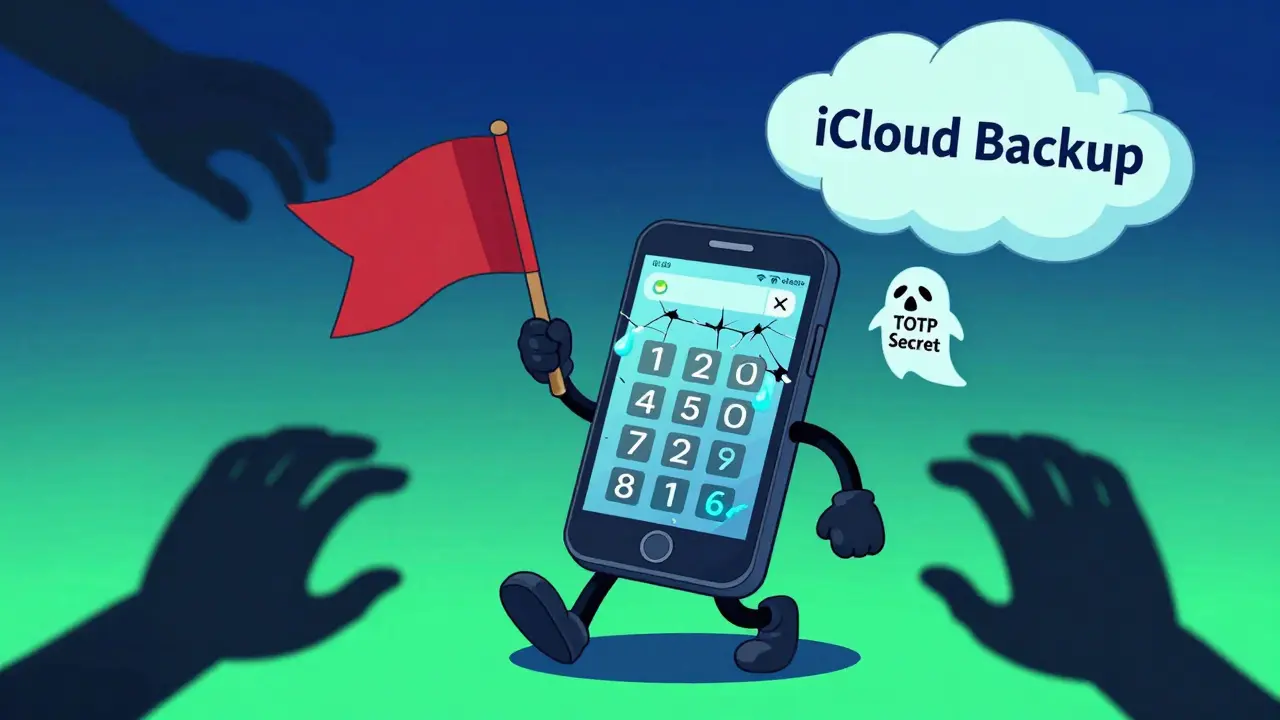
It’s simple. It’s free. And it’s everywhere. Most crypto platforms support it. But here’s the catch: that shared secret lives on your phone. If your phone gets stolen, hacked, or infected with spyware, the attacker can grab that secret and start generating valid codes themselves. Even cloud backups can be exploited - if your Google or iCloud account gets breached, they might restore your authenticator data and gain access.
Plus, software apps can crash, glitch, or get uninstalled. Lose your phone? You’re locked out unless you’ve saved backup codes (and let’s be honest - most people don’t store them safely). Unlike hardware keys, there’s no physical barrier. No tap-to-confirm. Just a number on a screen. That’s why software authenticators are better than nothing - but not nearly as strong as hardware.
Security Comparison: Real-World Threats
Here’s what each method can stop - and what it can’t.
| Threat | Hardware 2FA Keys | Software Authenticators |
|---|---|---|
| Phishing attacks | ✅ Fully blocked | ❌ Vulnerable |
| Malware on your device | ✅ Immune | ❌ Can steal secret key |
| Stolen phone | ✅ Safe (key not on phone) | ❌ Full access if unlocked |
| Remote hacking | ✅ Impossible without physical access | ❌ Possible via cloud sync or app exploits |
| Lost device | ❌ Lockout risk (need backup key) | ❌ Lockout risk (need backup codes) |
Real-world data backs this up. In 2023, Google reported that phishing attacks against users with hardware keys dropped by 99.9% compared to those using SMS or software authenticators. The same trend holds for GitHub, Dropbox, and other major platforms. Hardware keys are the only MFA method that’s truly phishing-resistant.
Convenience and Cost: The Trade-Off
Hardware keys aren’t perfect. They cost $20 to $80 each. You need to carry them. If you lose one and didn’t set up a backup, you could be locked out of your accounts for days - maybe forever, if you didn’t save recovery codes.
Software authenticators? They’re free. They’re already on your phone. You can sync them across devices. You can back them up to the cloud (though that’s risky). Most people use them because they’re easy. But ease doesn’t equal security.
Here’s the reality: if you’re holding more than $5,000 in crypto, hardware keys are worth the investment. If you’re just starting out and using small amounts, software might be fine - for now. But as your holdings grow, so should your defenses.
What About Passkeys? The Future Is Here
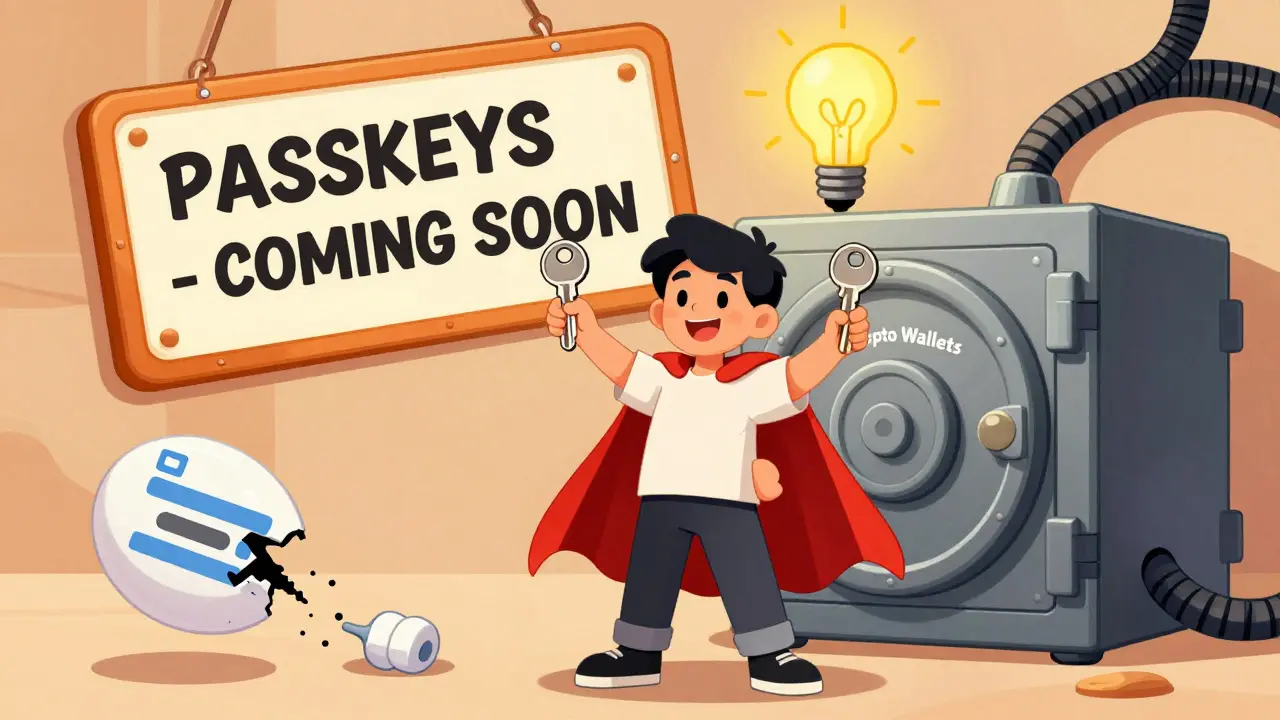
There’s a new player: Passkeys a passwordless authentication method that uses biometrics and hardware-backed cryptography, replacing traditional 2FA with seamless login. Apple, Google, and Microsoft now support passkeys, which use your phone’s fingerprint or face ID to authenticate - no app, no code.
Passkeys are built on the same crypto as hardware keys. The difference? They’re tied to your device. So if you have an iPhone with Face ID, you’re already using hardware-backed authentication - no extra device needed. This is the future. But not everyone has a recent iPhone or Android phone. And not all crypto platforms support passkeys yet.
For now, if you want maximum security today, hardware keys are still the best option. Passkeys are coming, but they’re not universal.
Which Should You Use?
Here’s the simple rule:
- If you’re trading, staking, or holding significant crypto - get a hardware key. Buy two. Keep one in a safe place. Use the other daily.
- If you’re just starting out, using software authenticators is fine - but set up backup codes and store them offline (on paper, in a fireproof safe).
- Never, ever use SMS for 2FA. It’s broken.
- If your platform supports passkeys and you have a modern phone, use them - they’re the next step forward.
Security isn’t about being perfect. It’s about being harder to attack than everyone else. Hardware keys raise the bar so high that most attackers move on to easier targets. That’s the edge you need.
Can I use a hardware 2FA key with my phone?
Yes - if your phone supports NFC or USB-C/ Lightning. Most modern Android phones work with NFC keys. iPhones with USB-C (iPhone 15 and newer) can use keys via the port. Older iPhones need a separate reader or rely on passkeys instead.
What happens if I lose my hardware key?
If you set up backup authentication during setup - like a second key or recovery codes - you can still log in. If you didn’t, you’ll likely need to contact the service provider’s support team. Many crypto platforms require identity verification to recover access, which can take days or weeks.
Are hardware keys vulnerable to cloning?
No. Hardware keys use public-key cryptography with tamper-resistant chips. Even if someone physically takes your key, they can’t extract the private key. It’s designed to self-destruct if someone tries to probe the chip. Cloning is theoretically impossible with current technology.
Do I need a separate key for each account?
No. One hardware key can secure dozens of accounts. Each service stores its own unique cryptographic key pair. The same device works for Coinbase, Ledger, GitHub, and your email - no extra setup needed.
Is Google Authenticator safe enough for crypto?
It’s better than SMS, but not ideal. Since the secret key lives on your phone, malware, theft, or a compromised cloud backup can expose it. For serious crypto holdings, upgrade to a hardware key or passkey.
Final Thought: Security Is a Habit
Using a hardware key isn’t magic. It’s a habit. It’s about treating your private keys like a house key - you don’t leave it on the counter. You don’t give it out. You have a backup. You check it regularly.
The crypto world moves fast. So should your security. Hardware 2FA keys are the most reliable, battle-tested tool we have today. Software authenticators are convenient. But convenience shouldn’t be your only priority when your money’s on the line.
Comments (12)
Shannon Holliday
February 26, 2026 AT 07:22
I use a YubiKey for my crypto and honestly? 🛡️💯 No more sleepless nights worrying about phishing. Even my dad (who thinks crypto is "internet money magic") got one and now he’s bragging about it. Hardware keys are the only MFA that actually feels like armor.
Michelle Xu
February 27, 2026 AT 20:59
While I agree hardware keys offer superior protection, it’s important to acknowledge that not everyone has access to modern devices or can afford multiple keys. For many users, especially in developing economies, software authenticators remain the most practical option-provided they’re paired with strong password hygiene and offline backup codes. Security should be accessible, not elitist.
Ryan Burk
February 28, 2026 AT 18:24
lol hardware keys are a scam. i got hacked once and it was because i lost my yubikey. the real problem is people think tech fixes stupid. if u leave ur seed phrase on a sticky note, no key in the world will save u. also passkeys are just apple tracking u more. #wokecrypto
Tabitha Davis
March 2, 2026 AT 04:58
OMG I’m so glad someone finally said this. I’ve been screaming from the rooftops that software authenticators are basically giving hackers a VIP pass. I had a friend lose $40k because his phone got stolen and he didn’t have backup codes. He thought Google Authenticator was "safe" because it had "Google" in the name. 😭 I told him he’s lucky he didn’t lose his kidneys too.
Sriharsha Majety
March 3, 2026 AT 01:50
i use authy and its fine for me i dont have much crypto but i like that i can backup on cloud. i dont think hardware key is needed for small amounts. also i dont like carrying extra stuff its annoying
Vishakha Singh
March 4, 2026 AT 07:39
Thank you for this clear, well-structured breakdown. I’ve been advising new crypto users in my community to start with software authenticators and transition to hardware keys as their holdings grow. It’s about progressive security-building habits, not just buying tools. For beginners, the barrier to entry with hardware keys can be intimidating, but the roadmap you’ve outlined makes it feel achievable.
Leslie Cox
March 5, 2026 AT 16:25
Honestly, if you’re still using anything less than a hardware key, you’re not serious about security-you’re just performing security. It’s like locking your front door but leaving the backdoor open with a neon sign saying "COME IN, I’M BROKE."
Passkeys? Cute. But they’re still tied to your device. A hardware key is a physical manifestation of sovereignty. It doesn’t care if you’re on iOS or Android. It doesn’t care if your cloud account is compromised. It just says NO. And that’s not just security-that’s philosophy.
Andrew Hadder
March 6, 2026 AT 18:30
i got a yubikey last year after reading this post. best thing i ever did. i lost my phone last month and was still able to log in because i had the key. also i use it for my email and github now. it’s kinda nice having one thing that just works. also i typoed yubikey as yubikye like 3 times while typing this but you get the point.
Derek Sasser
March 7, 2026 AT 19:48
I think the real takeaway here is that security isn’t about the tool-it’s about redundancy. Hardware keys are amazing, but they’re not magic. That’s why the author’s advice to get two keys and store one offline is spot-on.
I use a YubiKey for daily access and a backup YubiKey locked in a safe deposit box. I also have printed backup codes in a fireproof box. It’s not about being paranoid-it’s about being prepared. The difference between losing $10 and losing $100k is just one extra step.
Neeti Sharma
March 9, 2026 AT 02:34
usa people always overcomplicate everything. in india we use otp and its fine. why you need to buy a key? your phone is enough. also why you need 2 keys? one key is enough if you know what you doing. this is just western fear culture. crypto is risky anyway so why waste money on key?
Nadia Shalaby
March 10, 2026 AT 11:22
I’ve been using both for a while now. I keep my hardware key in my wallet for daily use and my phone’s authenticator as a backup. Honestly? It’s not that big a deal. I don’t feel like I’m a crypto king or anything-I just don’t want to lose my stuff. Simple as that.
Shannon Black
March 12, 2026 AT 03:04
While the technical superiority of hardware keys is undeniable, one must not overlook the sociotechnical dimensions of adoption. The assumption that all users possess the means, literacy, or psychological readiness to adopt physical authentication devices is a form of epistemic privilege. For many, especially those without stable access to technology or financial resources, the notion of a $70 key as a "gold standard" may serve more as a barrier than a bulwark. Security discourse must evolve beyond technical determinism to include equity, accessibility, and cultural context. The most secure system is the one that is both robust and inclusive.